How to Configure Multiple Monitors
This document outlines steps to be taken by users when they need to configure a multiple monitor setup.
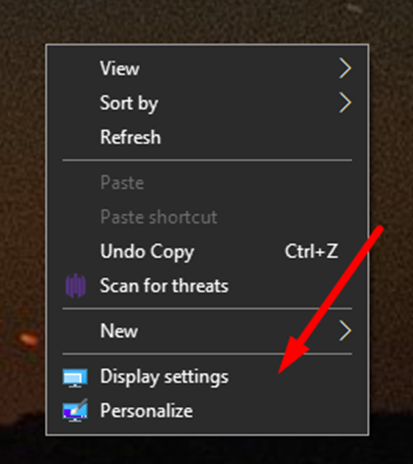
- Go to your computer desktop, right-click the background, and choose “Display settings”.
- If the monitors are working and properly connected, you will see them displayed here.
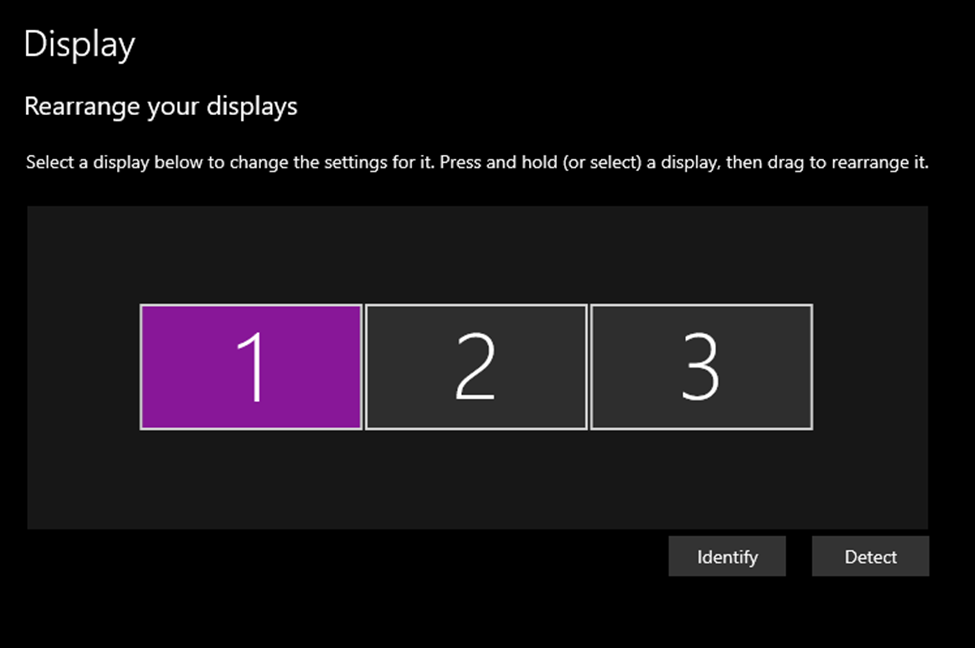
- Click on “Identify” to identify which monitor is numbered which way.
- Click on the number of the monitor you wish to extend your screen into or duplicate your screen to.
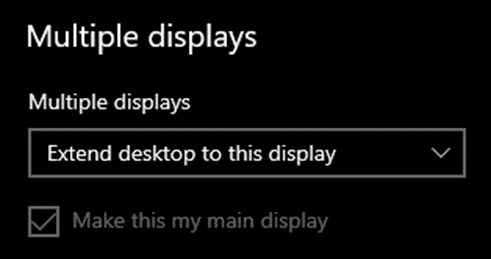
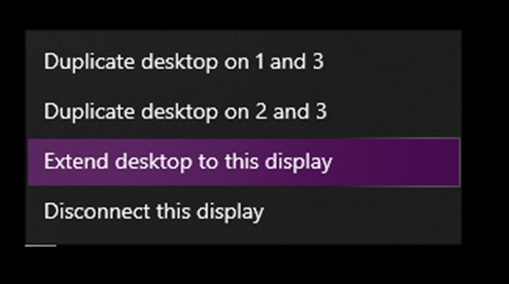
- Scroll down to “Multiple displays” and in the drop-down menu choose if you want to Extend or Duplicate the desktop into that display.
- In this section you can also choose to make that numbered monitor your main display by clicking on the checkbox “Make this my main display”. This display is where you will also see your desktop icons primarily populate.