Skip to main content
Search

Adding a Delegated Mailbox from the Outlook Mobile App
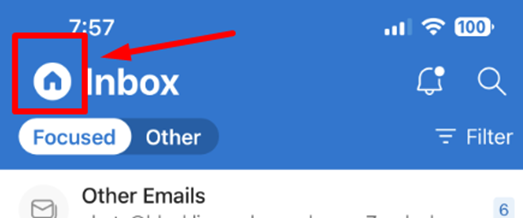
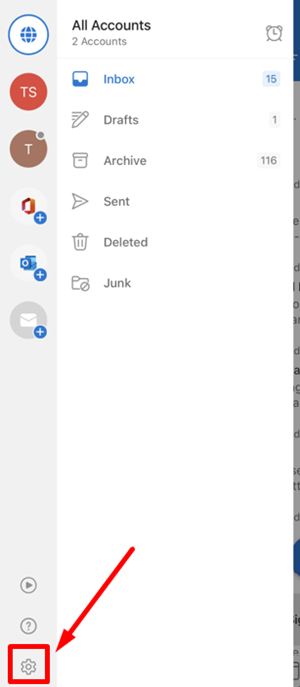
- Click the settings icon (looks like a gear).
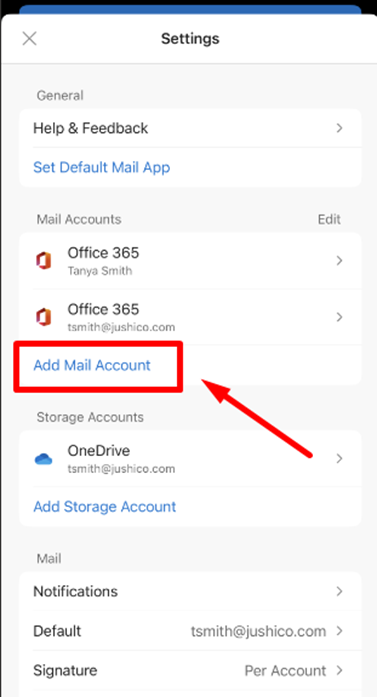
- Click on Add Mail Account.
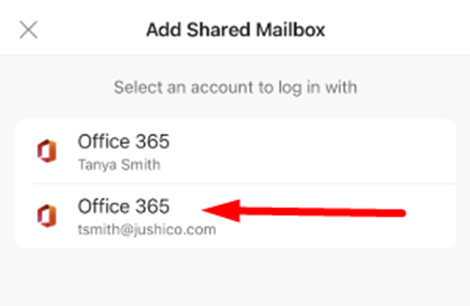
- Next, click on your Beyond-Hello primary account.
- This should be your personal BH email account.
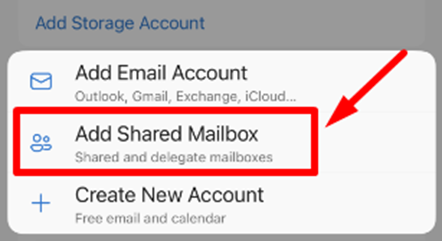
- Click on Add Shared Mailbox.
- Type in the name of the email you’ve been delegated.
- Example: northernlibertiesteam@beyond-hello.com
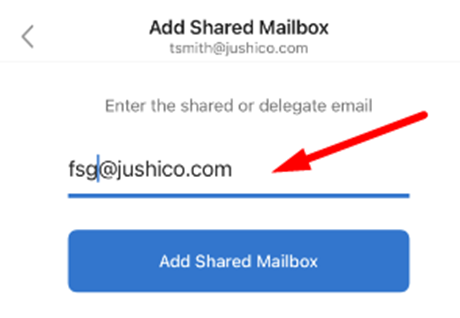
- After the email is typed, click on Add Shared Mailbox.
- You should now see the mailbox option from your home icon, in the list of accounts.